Complete guide to email marketing: avoid the mistakes most marketers make
Sirazum Monir Osmani
Email marketing remains one of the most powerful practices for growing a business in 2026. It is a reliable channel to reach and influence your customers. On the surface, the process looks like a simple task of gathering contacts and sending creative email campaigns. Many even opt for automation powered by AI. But in reality, successful email marketing requires more than that. Beginners often focus only on templates and tools while missing the deeper aspects that make email marketing truly work. This guide will walk you through those important elements so you can build a strong and effective email strategy from the start.
What is email marketing?
Email marketing is a digital strategy that uses email to promote products, services, or brands. It focuses on building relationships and nurturing customer loyalty through targeted campaigns. Brands can send email campaigns to three kinds of contacts:
Subscribers who intentionally signed up. This may include newsletter readers or active customers.
Users who shared their email address. It could be via account signups, webinar registrations, free trail uses, etc.
Prospects who match the target profile but have not engaged with the brand yet.
Types of email marketing
Not all email marketing works the same way. The differences come down to timing and what triggers a message to send. Understanding these three types helps a team decide which approach fits each situation.
Reactive
Reactive email marketing responds to actions a subscriber has already taken. It relies on behavioral targeting through automated workflows that fire when a specific event occurs. A customer abandons a cart, and the system sends a reminder within the hour. Modern platforms use autonomous AI to manage these sequences, adjusting send times and content without manual input. Because the message is tied directly to something the subscriber just did, it feels timely rather than intrusive.
Common examples of reactive email types include:
Cart abandonment emails trigger when a shopper leaves items in their cart without completing checkout.
Browse abandonment emails which are sent after a subscriber views specific products or categories but takes no action.
Back-in-stock alerts that notify subscribers when a previously unavailable item they showed interest in returns to inventory.
Review and feedback request emails, sent a set number of days after a product is delivered.
Win-back sequences that target subscribers or customers who have gone inactive for a defined period.
Proactive
Proactive email marketing anticipates what a subscriber will need before they act. It uses behavioral intelligence and predictive engines to identify patterns, then delivers messages ahead of the moment. A skincare brand can predict when a customer's moisturizer is running low and send a replenishment email before they run out. A fashion retailer can surface new arrivals matching a subscriber's style preferences before they start browsing. Autonomous AI makes this scalable by triggering sends based on predicted intent.
Types of proactive email include:
Newsletters for delivering curated content, updates, or thought leadership on a regular schedule.
Welcome and onboarding sequences, introducing new subscribers to the brand over a planned series of emails.
Product launch and pre-launch announcements, building anticipation before a new item or feature goes live.
Replenishment reminders that are timed to arrive just before a consumable product is likely to run out.
Seasonal and holiday campaign emails which are planned around key calendar dates relevant to the audience.
Educational drip sequences, that teach subscribers about a topic or product category over multiple sends.
Real-time
Real-time email marketing operates in the present moment using behavioral intelligence, predictive engines, autonomous AI, and live analytics to deliver messages at exactly the right second. A travel site can send a price-drop alert the instant a fare decreases on a route a subscriber has been watching. A retailer can trigger a flash sale notification to subscribers actively browsing the site. The difference from reactive is speed: reactive responds after a completed action, while real-time responds to in-progress behavior.
Some real-time email examples are:
Price-drop and deal alerts, sent the moment a watched item decreases in price.
Flash sale notifications that are triggered to active site visitors or high-intent segments while inventory is live.
Geo-targeted offers when a subscriber enters a specific location or region relevant to a promotion.
Low-stock urgency emails, powered by live inventory data to notify subscribers before a popular item sells out.
When is email marketing useful and when is it not?
Email marketing is a low-cost solution, which is why it’s so lucrative. After all, it's tempting to see low cost as automatic value. But this mindset can negatively affect businesses that fail to evaluate whether they actually need it or, even if they do, how much attention they should give it. It’s important to take calculated steps with every marketing initiative, and email is no exception.
Business type | Category | When email marketing helps | When it does not help |
|---|---|---|---|
B2C | Retail, D2C, ecommerce |
|
|
B2B | SaaS, agencies, enterprises |
|
|
Recurring revenue | Subscriptions, streaming, memberships |
|
|
Individual | Solopreneurs, small businesses, digital creators |
|
|
Core components of a strong email marketing strategy
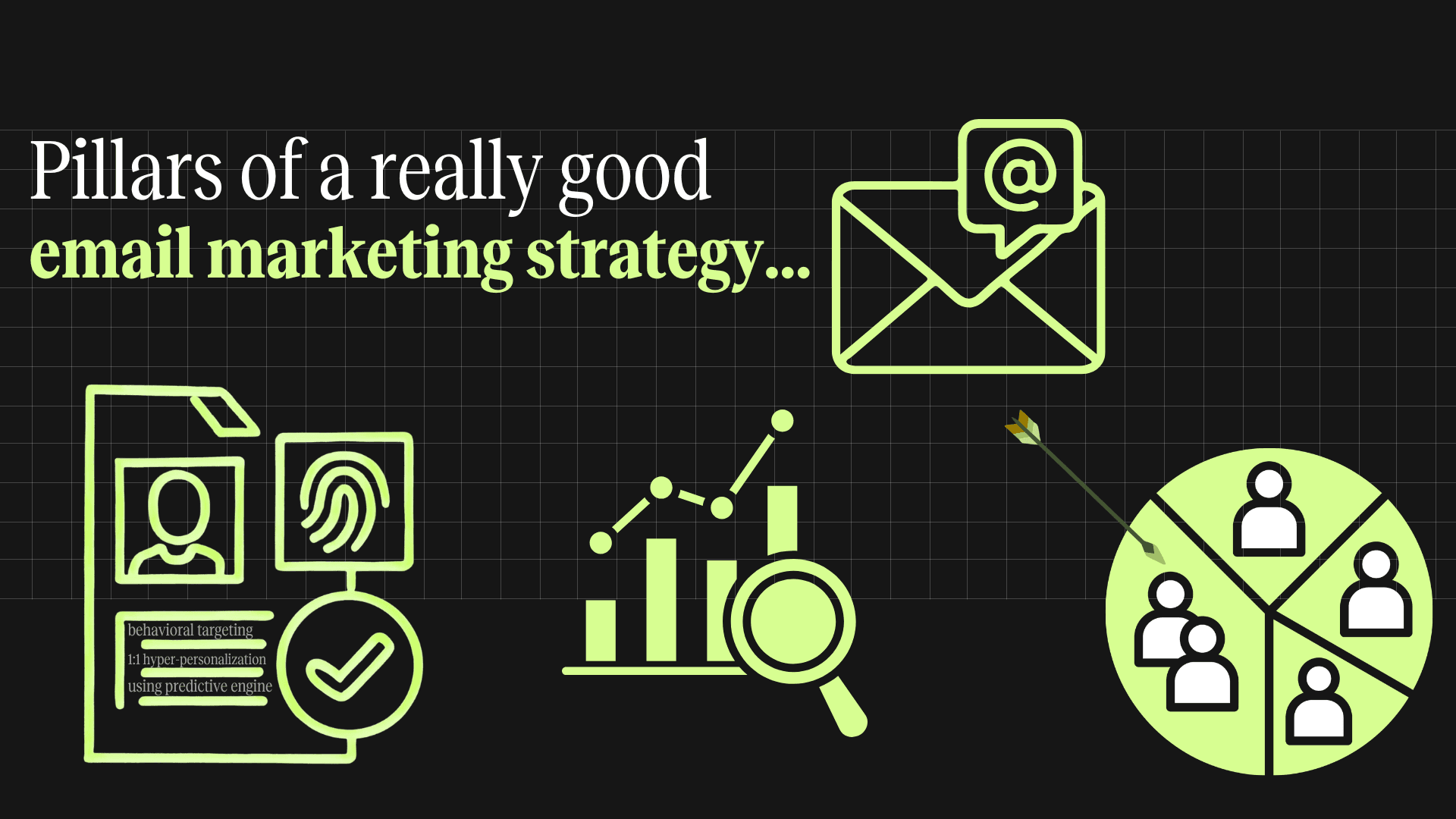
Most marketers jump straight to strategy. Doing so hurts campaign performance because there are essentials you need to address before you even begin planning. A strong email marketing program is not built on clever copy or flashy templates. It is built on infrastructure: the systems, data models, and operational decisions that determine whether a message reaches the right person at the right time. So, these are the things you need to understand first:
Audience segmentation and lifecycle mapping
Since every customer journey exists at a different stage in its relationship with a brand, creating them all the same erodes engagement. Segmentation divides a list into groups based on shared attributes like purchase history, engagement level, or acquisition source. And, lifecycle mapping assigns communication goals to each stage, from first opt-in to repeat buyer to lapsed contact. Together they ensure every email has a purpose tied to where the recipient actually is, not where the marketer assumes they are.
Campaigns vs automated workflows
A campaign is a one-time send tied to a specific moment, such as a product launch or seasonal sale. On the other hand, an automated workflow is a sequence triggered by behavior or status changes, like a welcome series or abandoned cart reminder. The distinction matters because workflows generate revenue around the clock without manual intervention, while campaigns require planning and production for every send. A mature program balances both.
Email list growth and acquisition
A high-quality list is not large. It is responsive. Growth strategies should prioritize audiences who genuinely want to hear from a brand, because every disengaged contact drags down open rates and damages sender reputation. Effective acquisition starts with a clear value exchange and a strong opt-in mechanism. Double opt-in reduces fake entries and ensures higher intent. The goal is steady, organic growth from aligned sources, not a vanity metric inflated by purchased lists.
Personalization and behavioral triggers
True personalization goes beyond inserting a first name. It uses browsing behavior, purchase history, and engagement patterns to tailor message content, timing, and cadence. Behavioral triggers make this scalable. When a potential customer views a product three times without purchasing, a triggered email arrives automatically. The power lies in timeliness: these messages reach people at the exact moment of intent, which is why they consistently outperform batch sends.
Deliverability and sender reputation
None of the above matters if emails land in spam. Deliverability is governed by sender reputation, which is a score that mailbox providers assign based on sending behavior. Protecting it requires properly configured email authentication protocols, such as SPF, DKIM, and DMARC. It also requires regular list cleaning to remove bounces and inactive contacts, and gradual domain warm-up for new senders. This is not a one-time setup. It is an ongoing discipline that determines the ceiling of every other metric.
Analytics and performance tracking
Measurement only creates value when it connects to decisions. Open rates have become less reliable since Apple's Mail Privacy Protection began inflating numbers in 2021, so click-through rate and revenue per email offer clearer signals. Beyond individual sends, teams should track engagement trends over time and monitor deliverability indicators like inbox placement rate alongside performance metrics. Dashboards should be built around questions that drive action.
12 email marketing blunders you need to avoid
Whichever email marketing tools you use, mainstream strategies only let you reach your growth and revenue to a certain ceiling. If you want to go beyond that, you would need to put more effort (calculated, of course) into your email marketing game. Here are some aspects which can benefit a business if it dealt email marketing strategically:
Fearing the unsubscribe
An unsubscribe is not a failure. It is a filter. When someone opts out, they are signaling the content is not relevant, and keeping them on the list only hurts engagement metrics and sender reputation. Yet many marketers bury the unsubscribe link or panic when opt-out rates tick upward. A clean list of 10,000 engaged subscribers will outperform a bloated list of 50,000 where half the contacts never open a message. Smart teams monitor unsubscribes for patterns instead of fearing them. They keep the process painless, which, by the way, is also a legal requirement under CAN-SPAM and GDPR.
Acting only reactively and not proactively
Too many email programs operate in fire-drill mode. When a sale approaches, you shouldn’t scramble to build an email. If a product is overstocked, you shouldn’t batch and blast a flash promotion without segmentation. This reactive cycle creates inconsistent experiences and leaves revenue on the table. Proactive marketing means planning a content calendar at least a quarter ahead and building automated workflows for predictable moments. A customer who purchased a consumable product 25 days ago does not need to wait for a promotional blast. A replenishment reminder should already be scheduled.
Sending from a "No-Reply" address
A "no-reply@" sender address tells receivers the brand is not interested in hearing from them. It turns email, one of the few inherently two-way digital channels, into a broadcast medium. People who reply with a question receive a bounce-back or silence, making them more likely to mark future emails as spam. Mailbox providers treat replies as a positive engagement signal, so emails that receive replies are more likely to reach the primary inbox. Using a monitored reply-to address preserves this signal and opens a direct line to customer feedback.
Weaponizing urgency and scarcity
Urgency and scarcity are legitimate psychological principles, but fabricating them destroys credibility. When every email screams "LAST CHANCE" and the receiver has seen the same message twice this month, the tactic breeds distrust. Fake countdown timers, perpetual "ending soon" sales, and artificial stock warnings train the audience to disbelieve all urgency signals, including genuine ones. Effective urgency is used sparingly and truthfully: a real deadline, a genuinely limited inventory, or an early-access window for a specific segment. Restraint is what gives it power.
Guilt-tripping potential customers (confirmshaming)
"Confirmshaming" is the practice of making an opt-out button say something like "No thanks, I hate saving money." It pressures people into actions they did not want to take, producing subscribers who are less engaged, quicker to unsubscribe, and more likely to associate the brand with a negative experience. In practice, it annoys the majority while fooling a small minority into low-quality sign-ups. Respectful copy, such as a simple "No, thanks," preserves brand integrity and ensures that people who do convert are genuinely interested.
Misunderstanding the job of the subject line
The subject line has one job: get the email opened. It does not need to summarize the message or close a sale. Yet many marketers overload subject lines with multiple value propositions or clickbait that the email body cannot deliver on. This trains your target audience to distrust future sends. Effective subject lines create a specific reason to click in as few words as possible and work within mobile preview constraints of 30 to 40 characters. The preheader text should complement the subject, not repeat it, giving people a second reason to open.
Not using alternative channels when email fails
If a segment has not opened an email in six months, sending more emails will not fix the problem. It will accelerate deliverability damage. The smarter move is reaching those contacts through SMS, push notifications, direct mail, or retargeting ads. A well-designed re-engagement workflow sends two or three emails, then triggers an alternative channel before suppressing the contact entirely. This approach respects the subscriber's preferred communication method while protecting sender reputation. The goal is not abandoning email but recognizing its limits.
Not utilizing the footer
Most brands treat the footer as a legal dumping ground: an unsubscribe link, a physical address, and nothing more. This wastes a consistent, low-pressure space that appears in every email. Social media links, referral prompts, app download CTAs, and preference center links all belong here. A preference center is especially valuable because it lets people adjust frequency or topics instead of unsubscribing entirely. The footer is also an effective place to remind customers why they are receiving the email, which reduces spam complaints from people who forgot their opt-in.
Ignoring the post-purchase goldmine
The period immediately after a purchase is the highest-engagement window in the customer lifecycle, and most brands waste it with a bare-bones order confirmation. Customers who just bought something are primed to engage: their trust is at its peak, and they are actively checking their inbox for shipping updates. This is the ideal time to deliver care instructions, complementary product recommendations, review requests, or loyalty program invitations.
In ecommerce email marketing, post-purchase flows generate some of the highest revenue per email of any automated sequence. Ignoring this window leaves repeat purchases and lifetime value on the table.
Discount cannibalizing VIP customers
Sending blanket discount codes to the entire list teaches loyal full-price buyers to wait for a sale. This erodes margins without generating incremental revenue, because the people redeeming the code would have bought anyway. VIP customers, those with high purchase frequency or long tenure, respond better to exclusive access, early launches, and recognition than to a percentage off. Segmentation solves this by directing discounts only to lapsed or price-sensitive segments while VIP segments receive offers that reinforce their status.
Designing for desktop first
More than half of all emails are opened on mobile, yet teams still design in desktop-width previews and treat mobile as an afterthought. The result is tiny text, overflowing images, and buttons too small to tap. Designing mobile-first means starting with a single-column layout, using a minimum 14px font for body text, making CTAs at least 44x44 pixels, and testing on actual devices before sending. Email width should stay under 600 pixels. A beautiful desktop email that breaks on mobile is not well-designed. It is a liability most recipients will experience as broken.
Overloading with images
Heavy image use slows load times. They trigger spam filters and render emails unreadable when images are blocked, which many clients do by default. An entirely image-based email with no live text gives blocked-image receivers nothing but empty boxes. Mailbox providers like Gmail also clip emails exceeding roughly 102 KB. The fix is maintaining a healthy text-to-image ratio, using live HTML text for headlines and body copy, and compressing large images before upload.
8 unique strategies to maximize email campaign performance
If you want your email marketing campaigns to stand out, you need to think beyond good looking creatives and decade old workflow patterns. Here are some underrated and lesser-talked email marketing strategies that will help your business achieve better results:
Choosing 1:1 hyper-personalization over just 1:1 personalization
Standard 1:1 personalization uses basic data points like a customer's name, location, or last purchase to tailor an email. Hyper-personalization goes several layers deeper. It factors in browsing velocity, scroll depth, time spent on specific product categories, purchase frequency patterns, and even weather at the customer's location. The result is an email that feels less like marketing and more like a recommendation from someone who understands the users current needs. This requires a robust data layer and AI-driven content assembly, but the payoff is measurable: higher click-through rates and revenue per send because the gap between what the target audience wants and what the email offers shrinks dramatically.
Keeping email-only promos
Offering promotions exclusively through email gives subscribers a concrete reason to stay on the list and actually open messages. The key is making this exclusivity visible beyond the inbox. A brand can mention "email-only deals" on its website banner, reference them in social media posts, and highlight them during checkout. This creates talkability around the email channel itself, encouraging new sign-ups from people who do not want to miss out. Over time, subscribers begin associating the brand's emails with access to something they cannot get elsewhere. That perception shifts email from an interruption to a destination, improving open rates and reducing unsubscribes.
Incentivizing email sign-ups
A strong sign-up incentive removes the friction between a visitor and their first email. Offers like "free shipping on your first 3 orders" or "10% off your next purchase when you subscribe" give people an immediate, tangible reason to hand over their address. The incentive works best when it is specific and time-bound, creating urgency without manipulation. A vague "stay updated" message rarely converts because it does not answer the people's real question: what is in it for me? The goal is to start the relationship with a value exchange that builds trust. When customers receive the promised benefit quickly, they are far more likely to engage with future emails.
Changing tones according to the funnel stage
A potential customer at the top of the funnel is not in the same headspace as someone who just added items to their cart. Awareness-stage emails work best with an educational, low-pressure voice that builds trust. Consideration-stage emails can lean into social proof, comparisons, and product storytelling. At the decision stage, the tone shifts to direct and confidence-building, with clear CTAs and guarantee reminders. Post-purchase communication then pivots to warmth and support, reinforcing that the customer made the right choice. Matching tone to funnel stage prevents the jarring experience of a hard-sell email arriving before trust has been established.
Targeting night shoppers in real-time
One-third (approx. 33%) of online purchases happen between midnight and 4 a.m., and late-night shopping peaks among 25 to 34-year-olds, with 48% making purchases during those hours. These shoppers browse on smartphones with saved payment details and face almost zero competition for their attention in a quiet inbox.
Most brands ignore this window because their teams work business hours. That gap is an opportunity. Real-time and proactive strategies powered by autonomous AI can detect when a subscriber is browsing late at night and trigger a personalized offer within minutes. The subscriber is already in buying mode, and the message lands with minimal noise.
Fine-tuning deliverability
Deliverability is not just a technical checkbox. It is an ongoing practice that controls how many subscribers actually see the emails a brand sends. Start by warming up a new sending domain gradually over several weeks. From there, avoid spammy practices: no ALL CAPS subject lines, no excessive exclamation marks, no misleading sender names, and no hidden unsubscribe links. Use a consistent "from" name and send on a predictable schedule. Clean the list regularly to remove hard bounces and subscribers who have not engaged in 90 or more days. Authenticate every domain with SPF, DKIM, and DMARC. Teams that treat deliverability as a strategy rather than a setup task consistently see higher inbox placement.
Countering competitor campaigns smartly
Subscribing to competitor email lists is one of the most underused intelligence tools in email marketing. It costs nothing and provides a live feed of their promotional calendar, discount patterns, and launch timing. When a competitor sends a major campaign, such as a 30% sitewide sale, a brand paying attention can respond within hours through its own email list, social channels, or website messaging. The response does not need to match the discount. It can highlight product quality, service, or a loyalty benefit the competitor lacks. This only works if the team monitors competitor sends consistently and has pre-built response templates ready to deploy quickly.
Offering cross-sells to every convert
Every completed purchase reveals what a customer might want next, and failing to act on it leaves revenue on the table. A cross-sell email sent within a few days of purchase, recommending complementary products, capitalizes on the moment when trust and engagement are highest. A customer who buys a camera should see emails about lenses, memory cards, and bags. A customer who buys running shoes should see moisture-wicking socks and hydration gear. The recommendations need to be genuinely relevant, which requires product relationship mapping in the email platform. Automated cross-sell workflows outperform manual sends because they are triggered by individual purchase data and timed to arrive while the customer is still thinking about their order.
Email marketing metrics that actually matter
Not every metric deserves a place on the dashboard. These are the ones that connect directly to revenue and list health.
Revenue per subscriber
This metric divides total email revenue by the number of active subscribers. It reveals whether the list is growing in value or just in size, making it one of the clearest indicators of program health.
Open rate after Apple MPP
Apple's Mail Privacy Protection pre-loads tracking pixels, inflating open rates for Apple Mail users. Filtering out these recipients or focusing on non-Apple open rates gives a more accurate read on subject line performance.
Click-through rate vs click-to-open rate
Click-through rate measures clicks as a percentage of total recipients, showing overall campaign reach. Click-to-open rate measures clicks as a percentage of opens, isolating how well the email content performed after someone decided to open it. Tracking both together reveals whether a problem lies in the subject line or the email body.
Conversion rate per campaign
This tracks how many recipients completed a desired action, whether that is a purchase, a sign-up, or a download. It connects email directly to business outcomes rather than engagement proxies.
Unsubscribe and complaint rate
A rising unsubscribe rate signals content or frequency problems. A rising spam complaint rate signals a deliverability crisis that needs immediate attention.
Deliverability and inbox placement
Inbox placement rate measures the percentage of sent emails that actually reach the inbox rather than spam or promotions tabs. Without this metric, all other engagement numbers are built on incomplete data.
Automation vs campaign revenue split
Comparing revenue from automated workflows against manual campaign sends reveals how much of the program runs on systems versus human effort. A healthy split tilts toward automation over time.
Why email marketing still outperforms other channels
Email consistently delivers the highest ROI of any digital marketing channel. Unlike social or paid media, it gives brands direct, owned access to their audience without algorithmic interference. Here is why it continues to outperform.
Email generates an average ROI of $36 for every $1 spent, outperforming paid search, social ads, and display advertising.
Subscriber data belongs to the brand. Unlike social media followers, an email list cannot disappear because a platform changes its algorithm or shuts down.
Email supports the full customer lifecycle, from acquisition to retention to reactivation, within a single channel.
Segmentation and personalization are native to email in ways that no social platform can match at the same depth.
Automated workflows generate revenue around the clock without ongoing production costs per send.
Email allows precise A/B testing of subject lines, content, timing, and offers, producing compounding performance gains.
The channel scales without proportional cost increases. Sending to 100,000 subscribers costs marginally more than sending to 10,000.
Email integrates with nearly every other marketing tool, from CRM platforms to ecommerce systems to analytics dashboards, making it the connective tissue of a modern marketing stack.
The future of email marketing
Email is not fading. It is evolving. The next wave of email marketing will be shaped by intelligence, privacy, and integration across channels.
AI-driven send optimization and content generation
Autonomous AI is already reshaping when and what brands send. Predictive models determine the optimal send time for each individual based on their engagement history, while generative AI assembles subject lines, body copy, and product recommendations tailored to each recipient. The shift is from batch-and-blast to fully individualized communication at scale, where no two people receive the same email at the same time.
Privacy-first personalization
Stricter privacy regulations and the decline of third-party cookies are forcing a shift toward first-party and zero-party data strategies. Brands that collect preference data directly from subscribers through preference centers, quizzes, and progressive profiling will maintain personalization depth without relying on tracking that regulators are steadily eliminating. The brands that adapt early will have a structural advantage as privacy standards tighten globally.
Cross-channel orchestration
Email will increasingly function as one node in a broader orchestration layer rather than a standalone channel. Messages will trigger and be triggered by interactions across SMS, push notifications, in-app messaging, and paid media, all managed through unified platforms. The winning programs will treat email not as a silo but as a coordinated part of every customer touchpoint.
Futureproof your email marketing with Markopolo AI
Markopolo AI brings behavioral intelligence, predictive engine, and autonomous AI together in one platform. It helps brands move from reactive batch sends to proactive, real-time email marketing that adapts to each individual automatically. The platform was designed to improve customer engagement and marketing automation efforts with advanced technology that helps businesses achieve their desired goals.